SKU list
In the SKU list, you can view the list of SKUs registered in Kuroco.
Accessing the screen
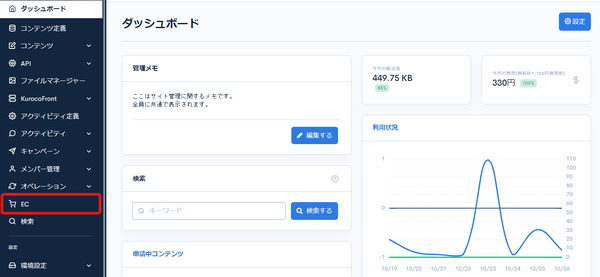
Click [EC].
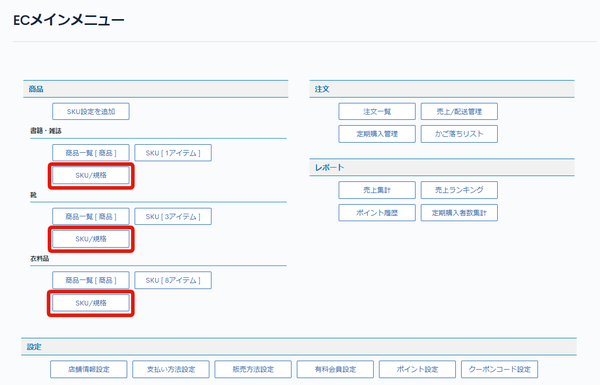
 In the E-commerce main menu, click [SKU/Specification].
tip
[SKU/Specification] is not displayed until SKU settings have been added. Add SKU settings first.
Field descriptions
| Field | Description |
|---|---|
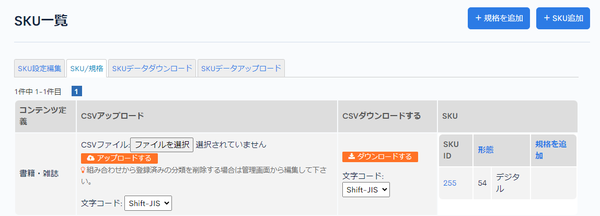
| Content structure | Displays the content structure registered in the SKU setting. |
| CSV upload | Uploads SKUs from a CSV file. |
| CSV download | Downloads the SKU list as a CSV file. |
| SKU: SKU ID | Displays the SKU ID. |
| SKU: Add specification | Click to go to the product specification edit page, where you can add a specification for SKUs. |
Related documents
Support
If you have any other questions, please contact us or check out Our Slack Community.