Coupon code history
In Coupon code history, you can view the history of coupon code usage.
Accessing the screen
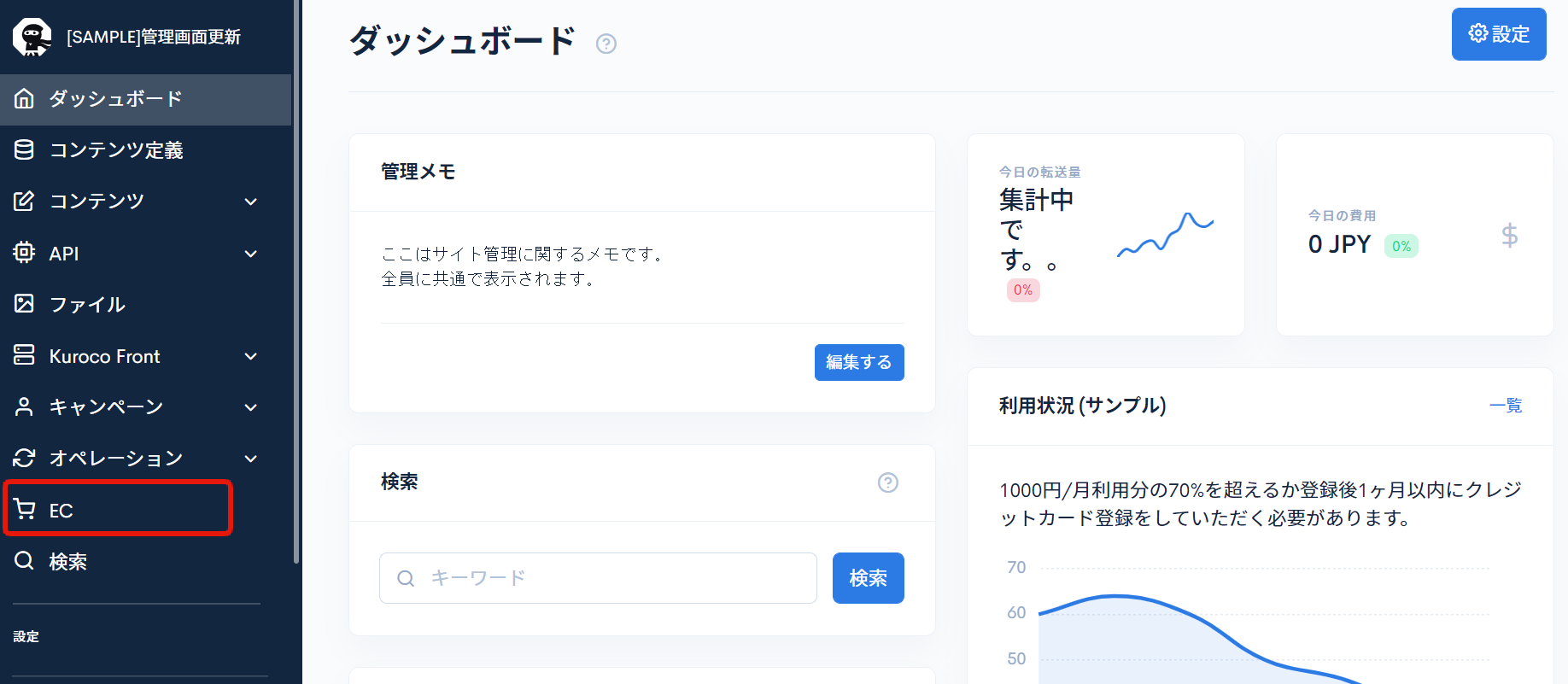
Click [EC].
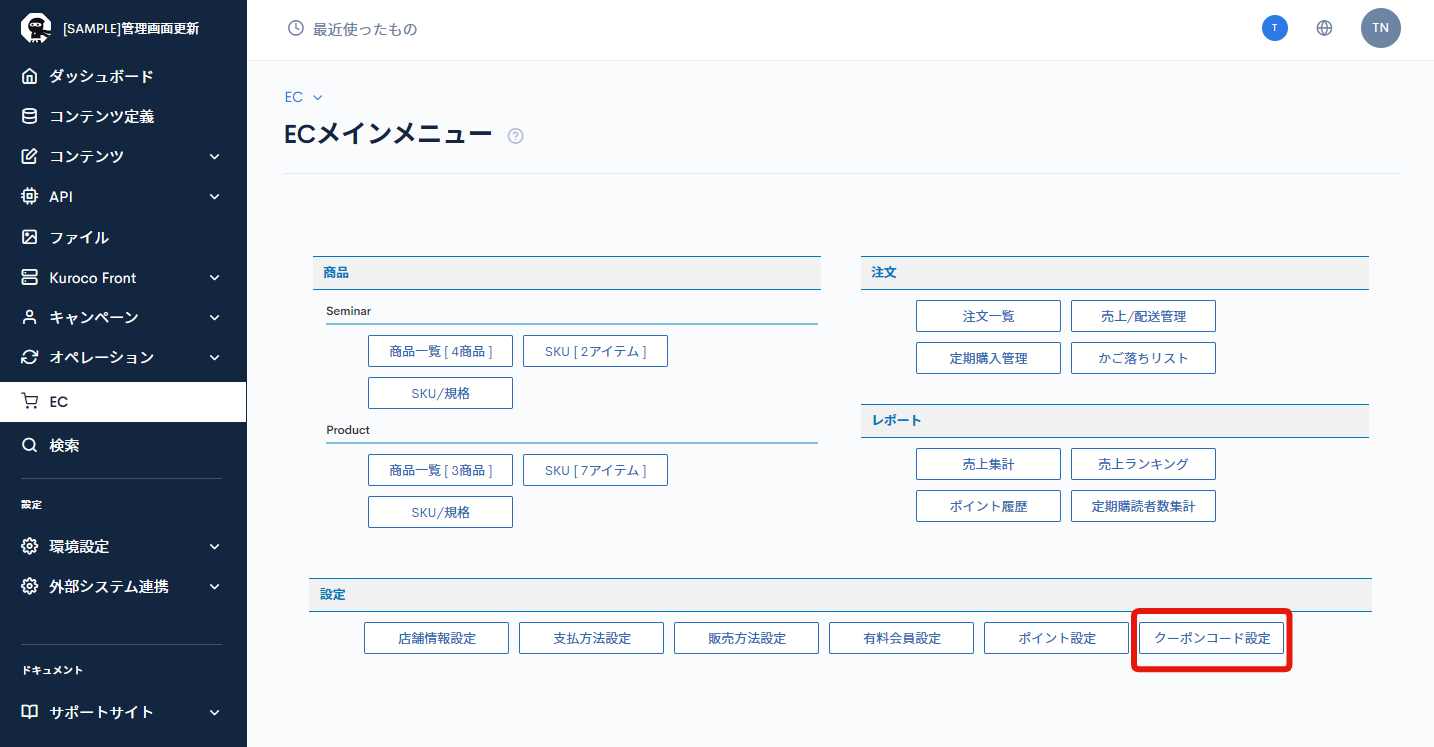
 In the E-commerce main menu, click [Coupon code settings].
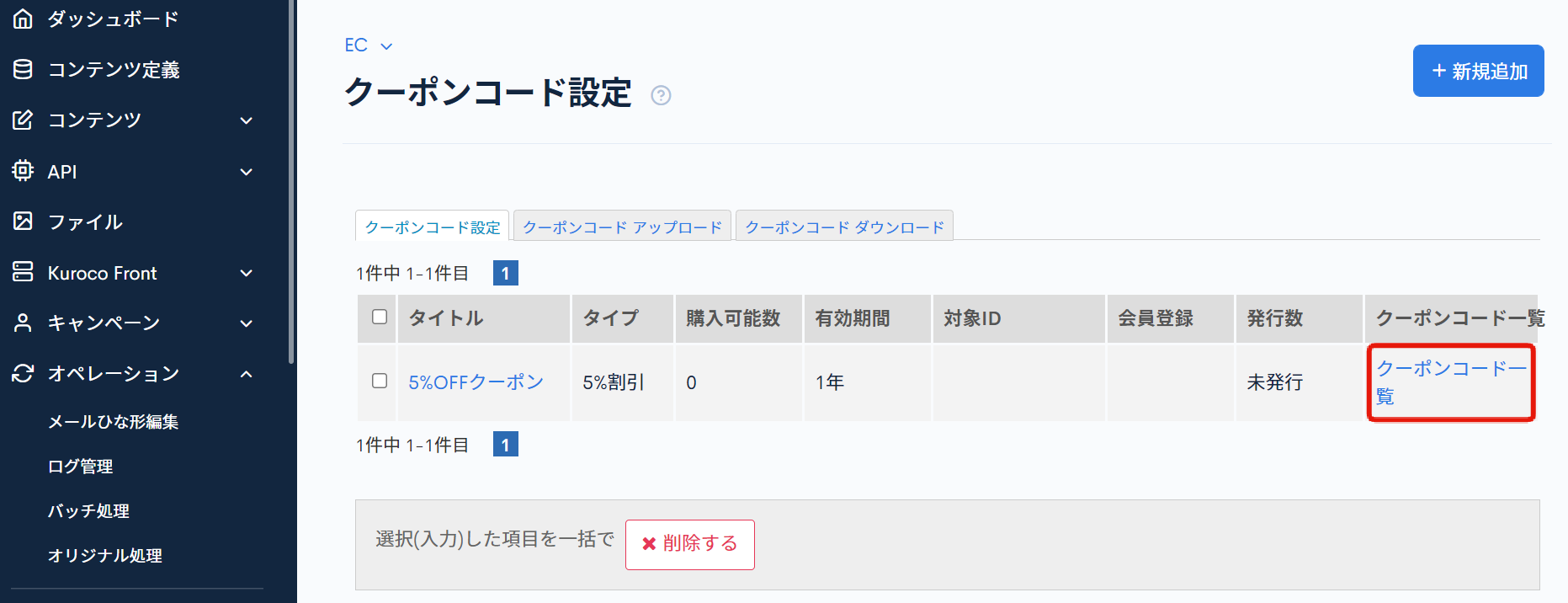
 On the Coupon code settings page, click [Coupon code list] for the coupon code you want to check.
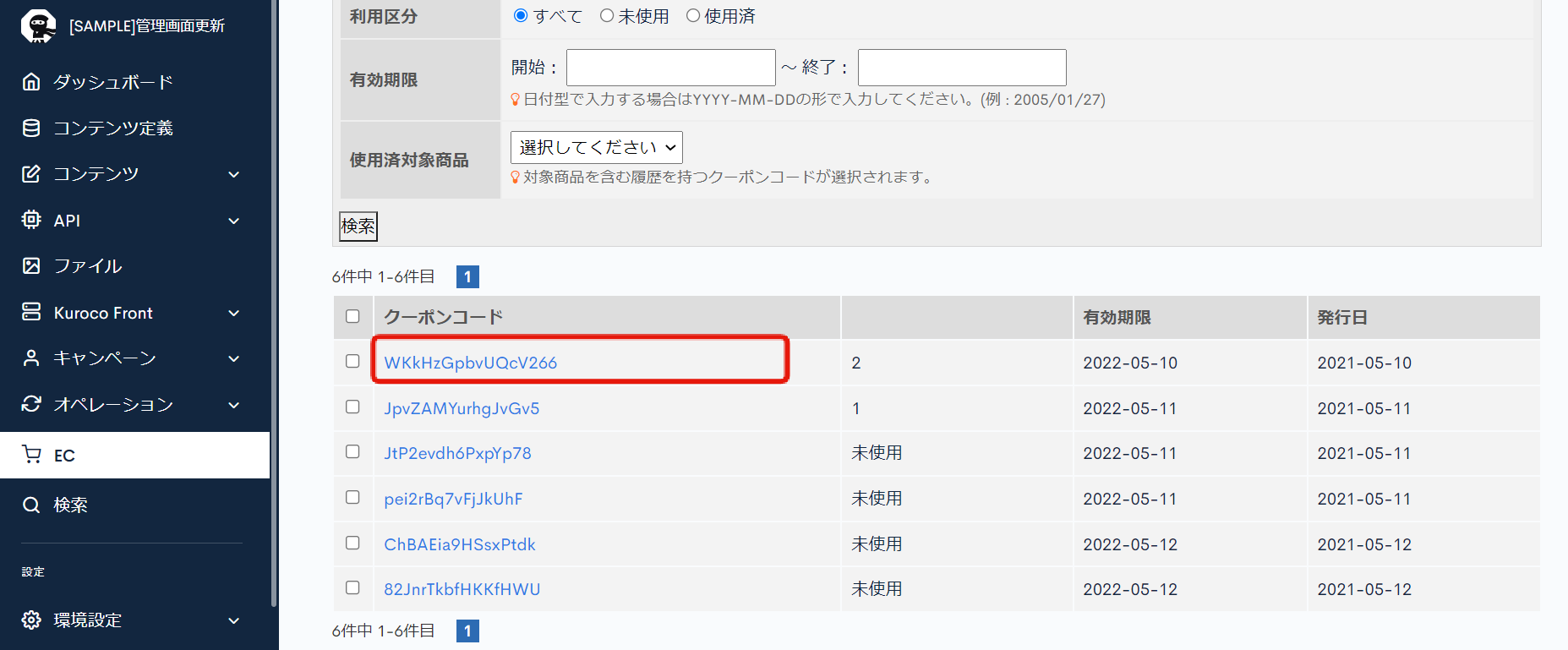
 On the coupon code list page, click the [Coupon code] you want to check.
Field descriptions
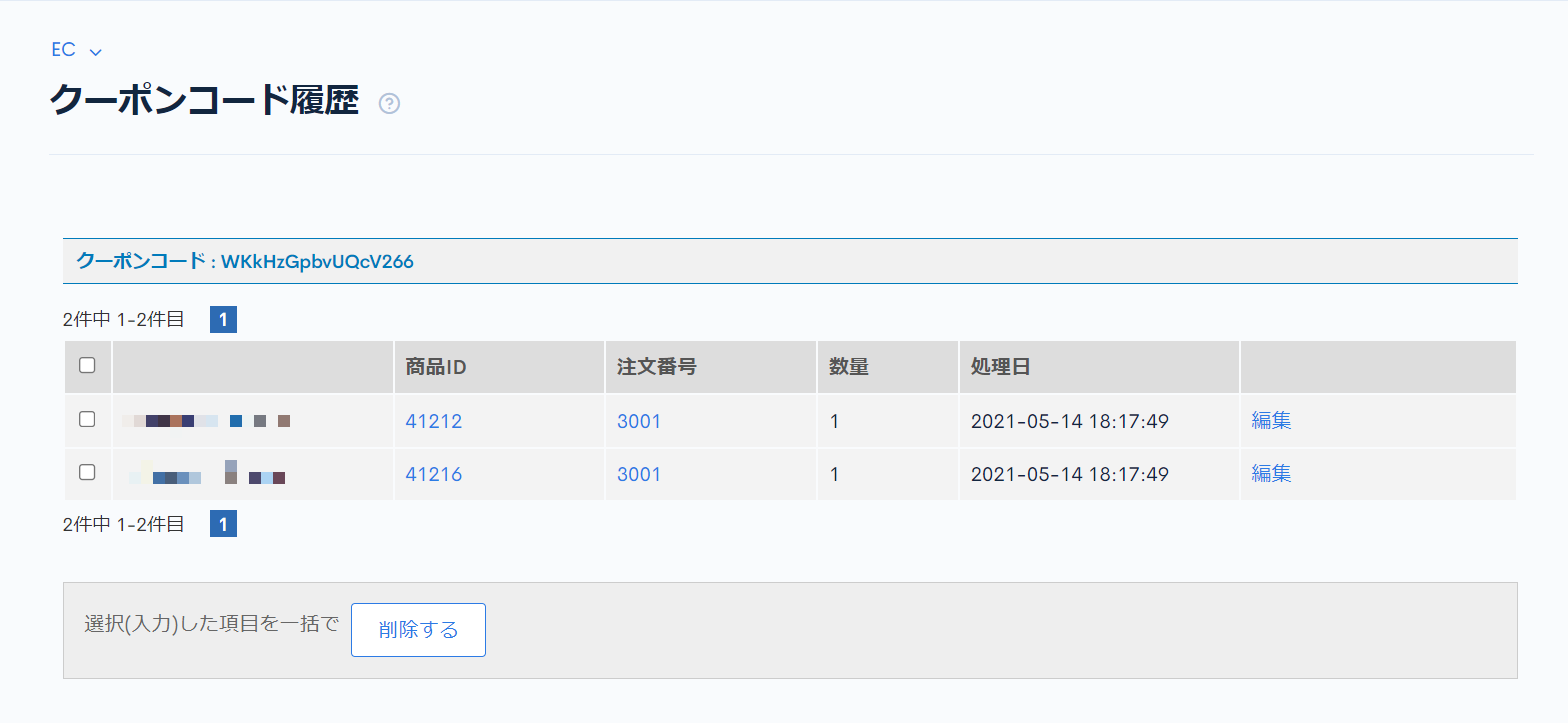
| Field | Description |
|---|---|
| Product ID | The ID of the product purchased using the coupon. |
| Order ID | The ID of the order placed using the coupon. |
| Amount | The quantity of products purchased using the coupon. |
| Processing date | The date the entry was added to the coupon code history (purchase date). |
Batch actions
Check the checkboxes at the left of the list and click [Delete] to apply the action to the selected coupon code history entries at once.
Related documents
Support
If you have any other questions, please contact us or check out Our Slack Community.